

Drift Watcher product tour

One desktop workspace.
The full spectral review.

Move from a supported export to a saved investigation, action, and report without losing the reference or the reasoning.

  • macOS
  • Windows
  • Linux

01 · Prepare

Start with measurement meaning, not a mystery file.

Preview supported exports, confirm how they were read, and keep the reference question visible before comparison.

  • Home
  • Add data
  • Data

The capture shows the resulting review context; file compatibility still depends on the exported variant.
02 · Review

Move from measured difference to a better question.

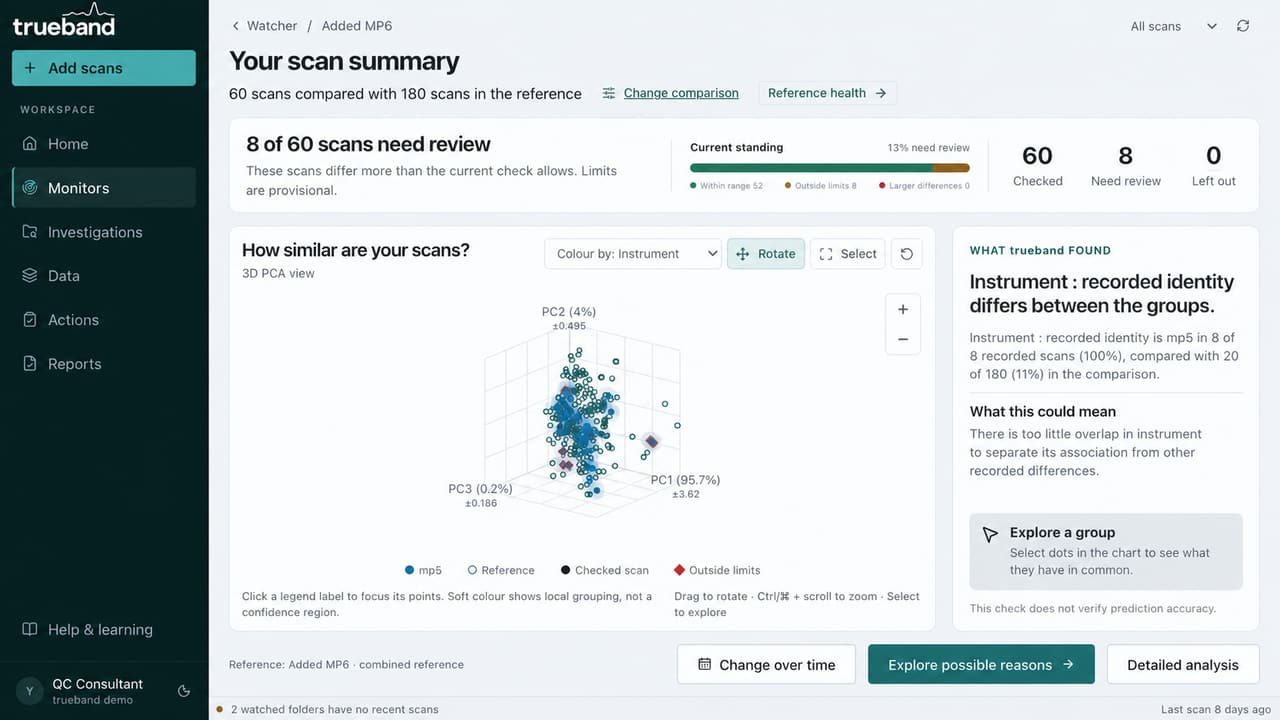
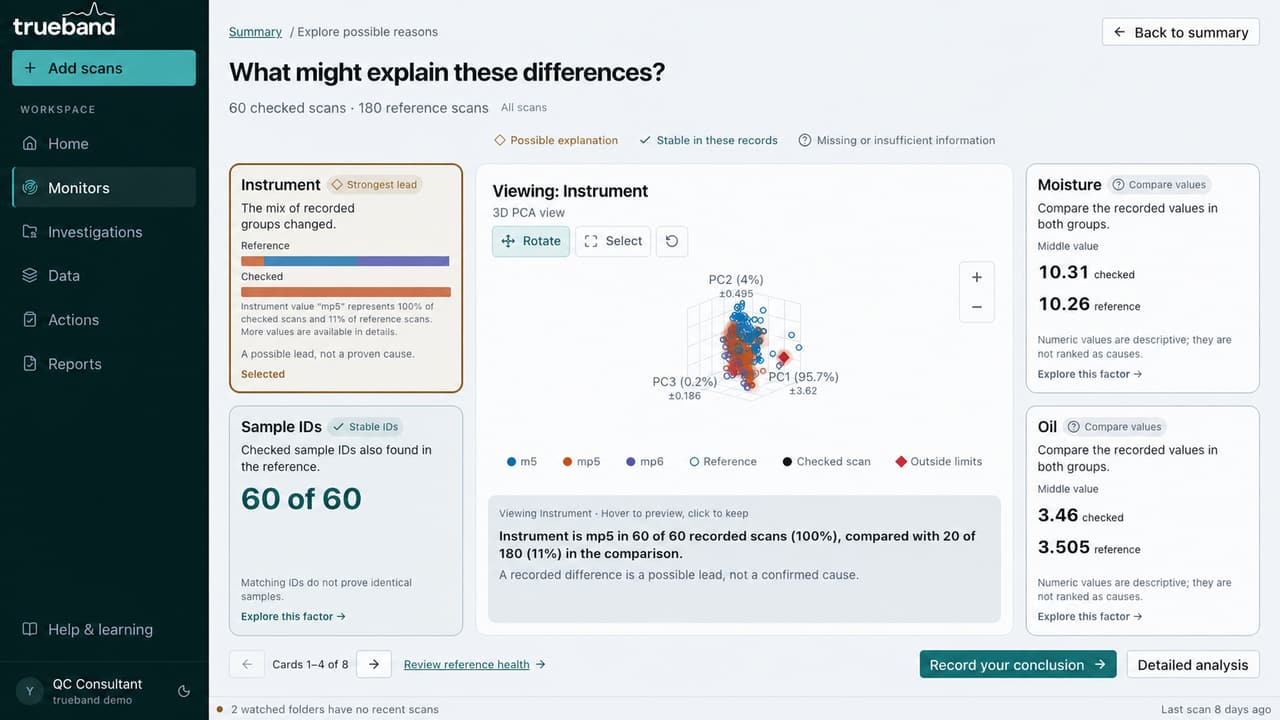
Review historical scans or watched-folder arrivals against a saved reference, then inspect PCA and recorded fields without mistaking association for cause.

  • Monitors
  • Watched folders
  • Possible reasons

Recorded differences can direct an investigation. They do not establish causation.

03 · Preserve

Keep the response with the evidence that supported it.

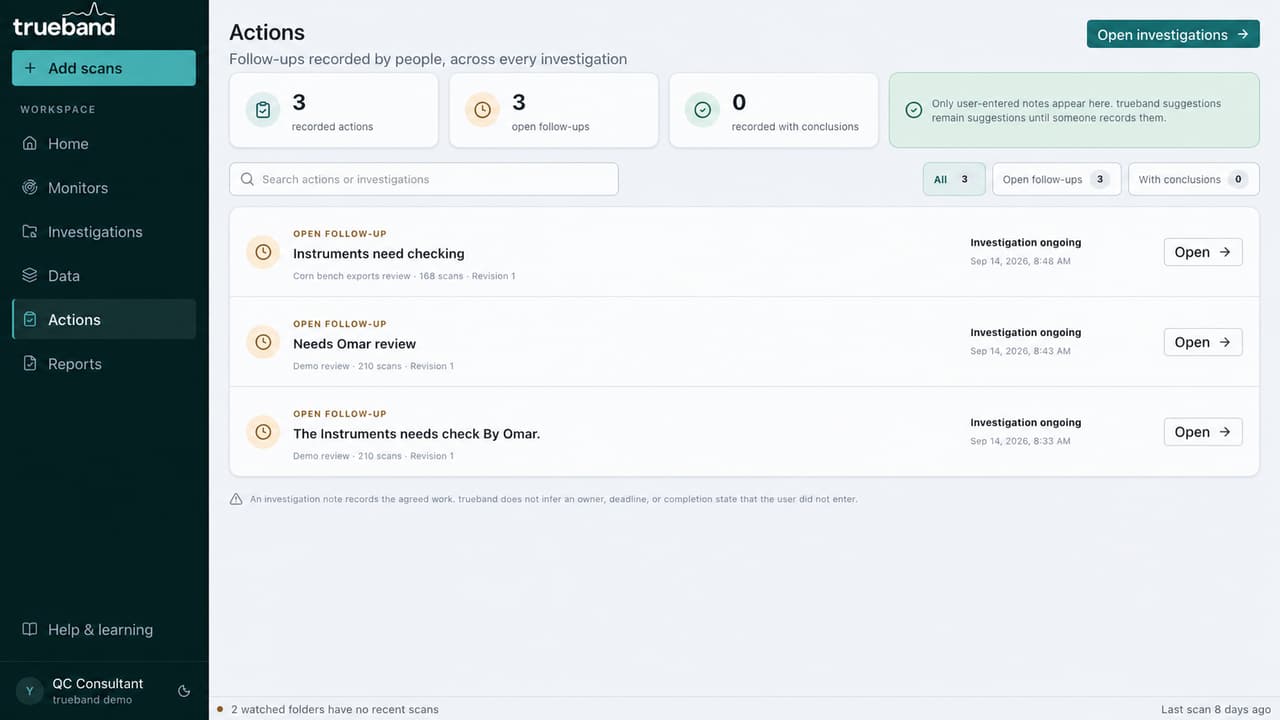
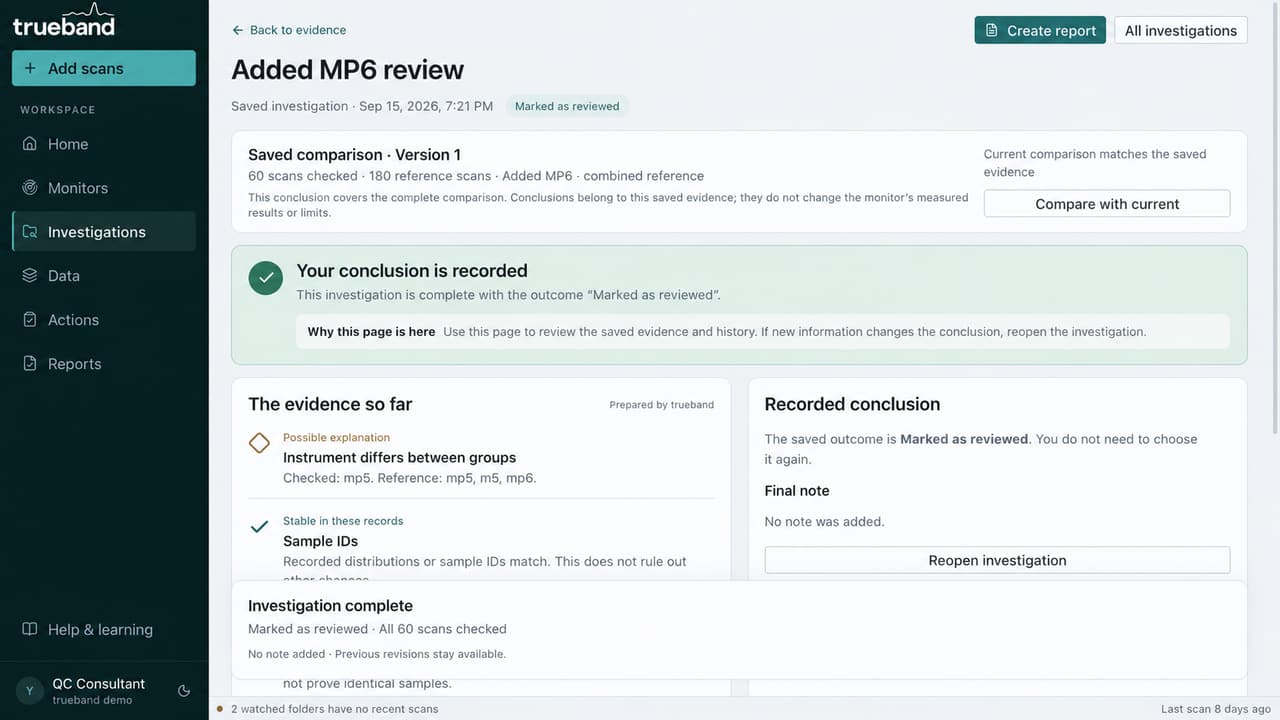
Save investigations, revisions, conclusions, and user-recorded follow-ups without changing the measured result.

  • Investigations
  • Actions

Names and actions shown are examples, not automated assignments.

04 · Communicate

Open the decision first, then inspect the method.

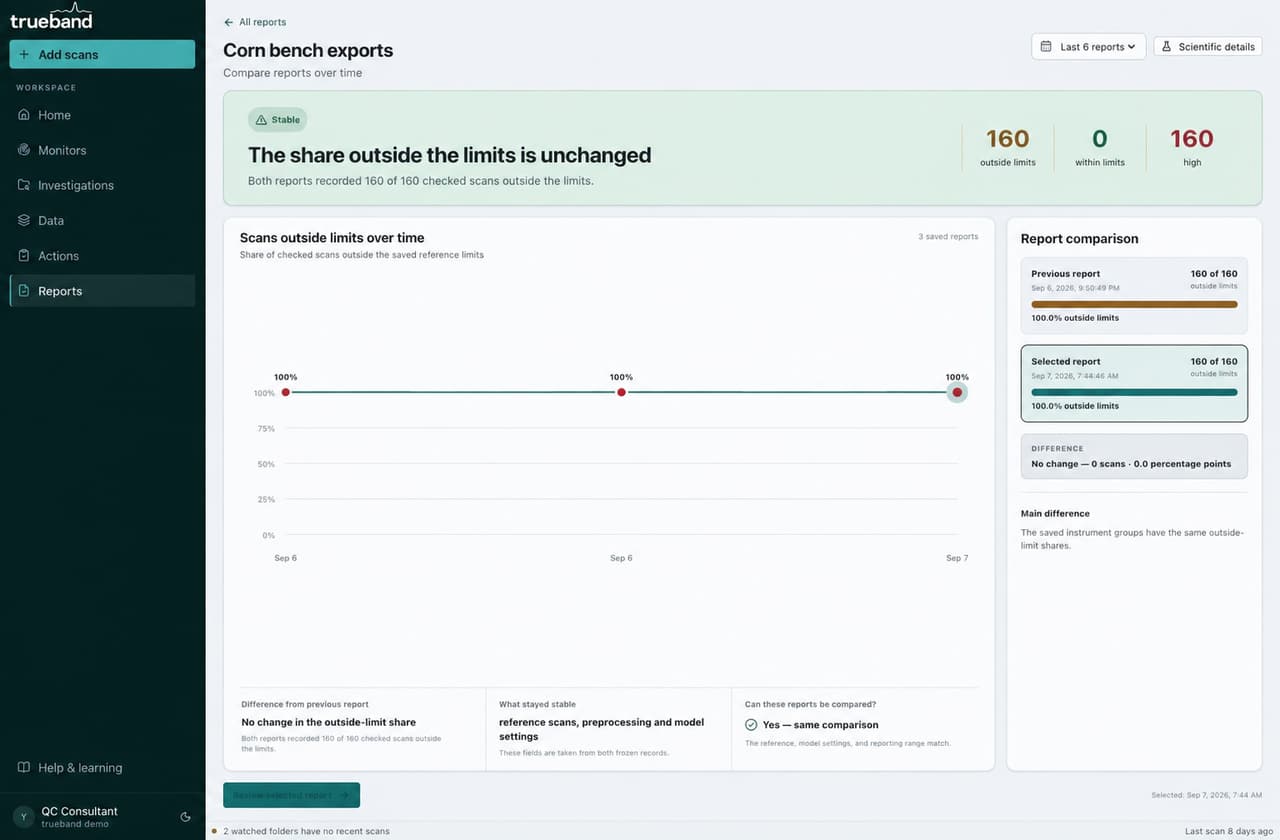
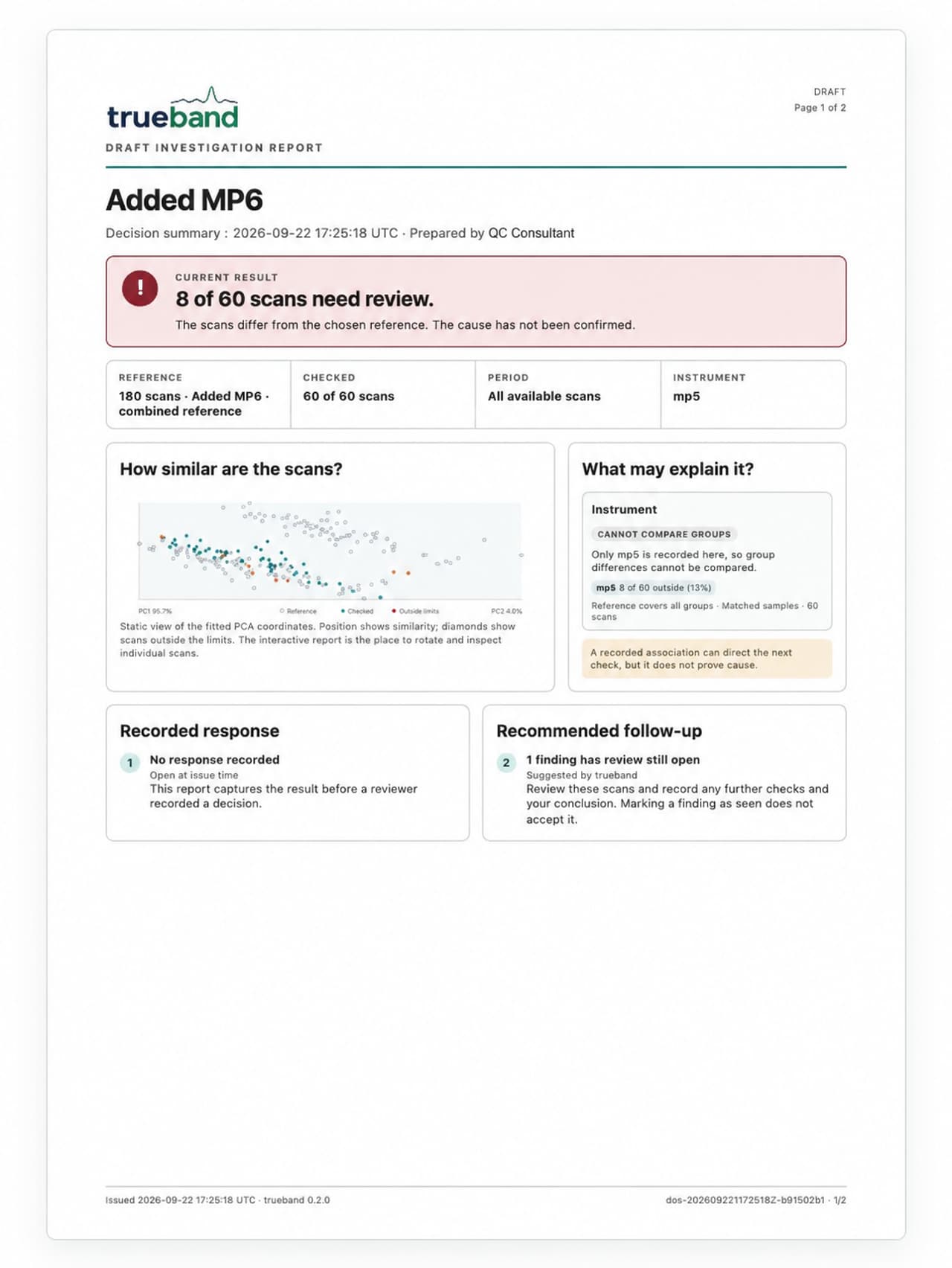
Read saved findings, export evidence, and compare reports only when their reference and settings support it.

  • Reports
  • Compare over time

A report preserves the review. It does not certify product quality or regulatory compliance.

05 · Support

Keep access, learning, and release context inside reach.

Use in-product explanations, release notes, and entitlement status without moving spectral files into a shared browser workspace.

  • Learning
  • What's new
  • Account and access

Customer services handle access and updates; imported spectra remain in the local application workspace.

Workflow

How the destinations work together

  1. 01

    Import

    Preview how supported files are read before using them.

  2. 02

    Define a reference

    Declare which scans represent the comparison question.

  3. 03

    Monitor arrivals

    Review new scans from saved data or a watched folder.

  4. 04

    Explore differences

    Inspect PCA, spectra, and recorded context without turning association into cause.

  5. 05

    Record a response

    Keep notes, conclusions, actions, and revisions with the evidence.

  6. 06

    Report over time

    Export decision-first evidence and compare compatible saved results.

See the complete journey with your review question

The demonstration shows the full workflow and does not require confidential data through the public form.

Request a demo
Request a demo